
If you're experiencing an issue, granting access to your portal to Govenda Support is the fastest way to resolve issues in many cases. In order to do so, follow the simple steps below:
1. Login to Govenda
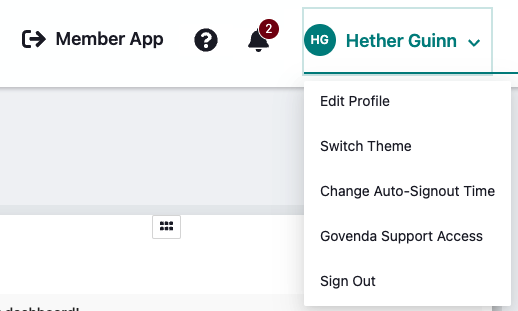
2. In the top right of your screen, select the arrow next to your name
3. Choose Govenda Support Access
4. Select a time period for the access
5. Click Grant Access
You can also watch this video to learn how to grant access to Govenda Support.
Comments
0 comments
Please sign in to leave a comment.